Best Practices for Network Installation
Network installation is a critical process that requires careful planning, technical expertise, and the right tools to ensure long-term performance and reliability.
This applies to both small offices and large companies. The goal is to create a network that offers speed, stability, and growth. A good installation improves daily operations. It also cuts downtime, makes maintenance easier, and helps meet industry standards.
In this guide, we’ll explore the best practices for network installation and provide practical advice to help you achieve consistent, high-quality results.
Planning Your Network Infrastructure
Effective network installation begins with a solid plan. Skipping this step often leads to performance issues, costly reworks, and limited scalability. Start with a site survey to assess the physical environment, user requirements, and any potential challenges such as interference sources or space constraints.
Key planning considerations include:
- Network topology: Choose a layout that suits your needs. A star topology is common for structured cabling due to its simplicity and fault isolation. Mesh topologies offer redundancy but are more complex to manage.
- Scalability: Design with future growth in mind. Consider how many devices will be added over time and whether the infrastructure can support increased bandwidth.
- Redundancy and failover: Include backup paths and power sources to maintain uptime during outages or hardware failures.
Document everything clearly, including cable routes and device locations. This ensures clarity during installation and simplifies future maintenance.
Selecting the Right Hardware
The quality of your hardware directly affects network performance and longevity. Using substandard components may save money initially, but it often leads to frequent faults and expensive replacements.
Essential hardware includes:
- Cabling: Choose the right category for your needs. Cat5e is suitable for basic setups, while Cat6 or Cat6a supports higher speeds and bandwidth. For long-distance or high-performance environments, fibre optic cables are ideal.
- Switches and routers: Select devices that match your network’s size and traffic demands. Managed switches provide greater control and monitoring capabilities.
- Patch panels and racks: These help organise connections and simplify troubleshooting. Ensure they are properly mounted and clearly labelled.
TREND Networks recommends using certified components to ensure compatibility with testing and certification standards.
Cable Management Best Practices
Cable management is often overlooked, yet it plays a vital role in network reliability and serviceability. Poorly managed cables can lead to signal degradation, increased wear, and difficulty during maintenance.
Best practices include:
- Labelling: Use consistent, clear labels for all cables, ports, and panels. This saves time during troubleshooting and upgrades.
- Support systems: Install cable trays, conduits, and ties to prevent sagging and physical damage. Avoid sharp bends and excessive tension.
- Separation of services: Keep data cables away from power lines and sources of electromagnetic interference (EMI) to maintain signal integrity.
A tidy, well-organised cabling system not only looks professional but also improves airflow and reduces the risk of overheating.
Network Installation Guidelines
Following recognised standards ensures your installation meets industry benchmarks and performs reliably under real-world conditions.
Key guidelines include:
- Structured cabling standards: Adhere to TIA/EIA and ISO/IEC standards for layout, spacing, and performance. These standards cover everything from cable lengths to connector types.
- Proper termination: Use certified tools to terminate cables accurately. Poor terminations can cause intermittent faults and reduce network speed.
- Safety compliance: Ensure all installations meet local electrical and fire safety regulations. Use appropriate personal protective equipment and follow safe working practices.
TREND Networks offers tools that help installers meet these standards with precision and confidence.
Network Testing and Certification
Testing is a critical step that validates your installation and ensures it meets performance and compliance requirements. Skipping this phase can result in undetected faults and poor user experience.
Testing should include:
- Cable certification: Use tools like the LanTEK IV to certify that cables meet required standards for speed, attenuation, and crosstalk. For a deeper look at how cable testers help identify faults and improve installation accuracy, read our guide to network cable testers.
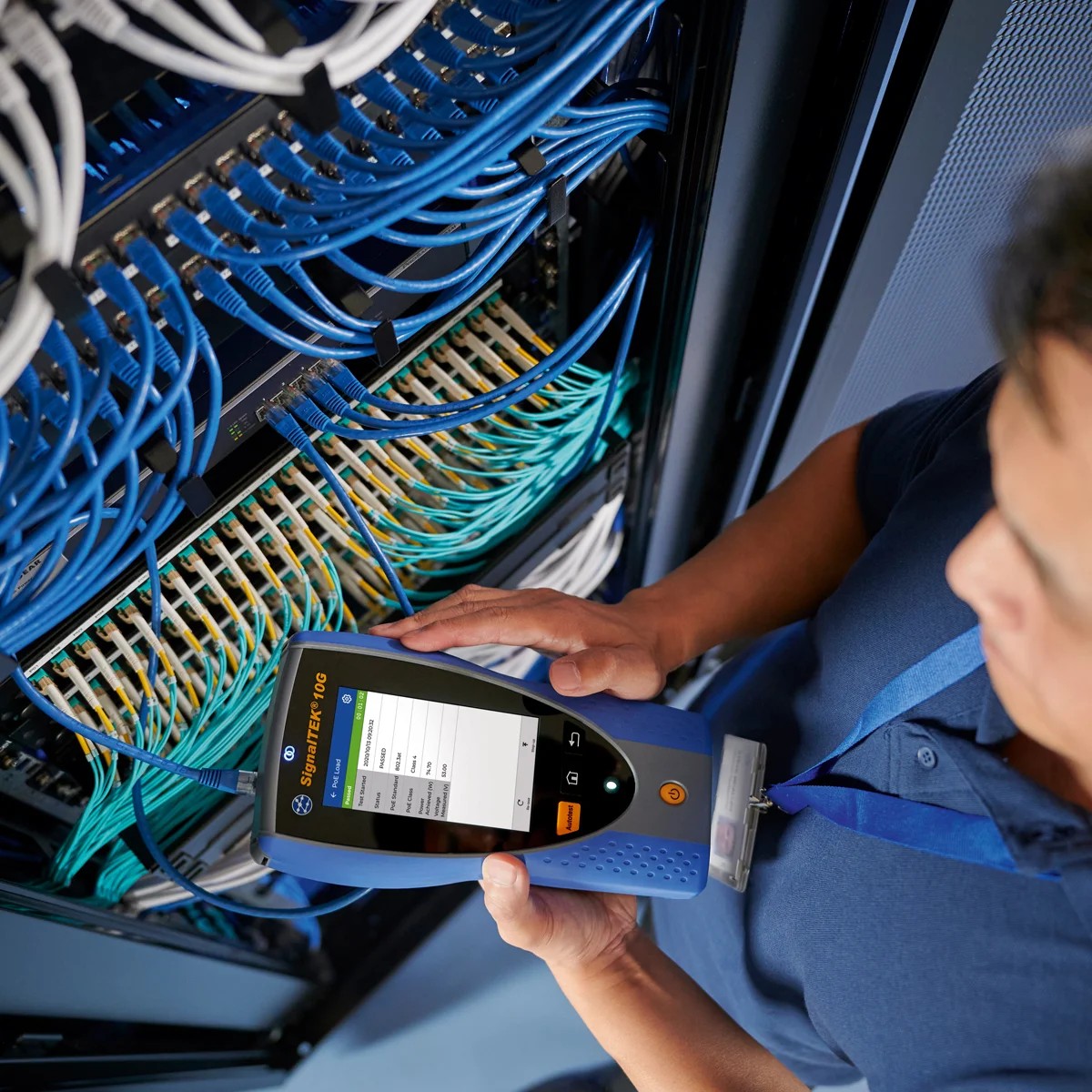
- Performance testing: Simulate real-world traffic using tools like SignalTEK 10G Pro to verify throughput and identify bottlenecks.
- Fibre testing: For fibre installations, tools like FiberTEK help measure loss, continuity, and polarity.
Testing not only confirms installation quality but also provides documentation for clients and future audits. Learn more about the certification process in our ultimate guide to network cable certification.
Post-Installation Maintenance
Once the network is live, ongoing maintenance ensures continued performance and reliability. Neglecting this phase can lead to gradual degradation and unexpected outages.
Maintenance best practices include:
- Regular audits: Periodically inspect cables, connectors, and devices for wear, damage, or environmental impact.
- Documentation updates: Keep records current, including changes to topology, device configurations, and cable routes.
- Monitoring and alerts: Use network monitoring tools to track performance and receive alerts for unusual activity or failures.
Planning for upgrades and expansions is also essential. Monitor usage trends and ensure your infrastructure can adapt to changing demands.
Common Network Installation Mistakes to Avoid
Even experienced installers can fall into common traps. Avoiding these mistakes can save time, money, and frustration:
- Inadequate planning: Rushing into installation without a clear plan often leads to inefficiencies and rework.
- Using low-quality components: Cheap cables and connectors may fail prematurely and cause intermittent faults.
- Skipping testing: Without proper testing, faults may go unnoticed until they cause major disruptions.
- Poor cable management: Tangled or unsupported cables are harder to maintain and more prone to damage.
- Ignoring environmental factors: Heat, humidity, and interference can all impact network performance if not accounted for.
Learning from these mistakes helps ensure a smoother, more professional installation.
From Planning to Performance: Getting Network Installation Right
Installing a network infrastructure is more than just connecting devices. It involves creating a robust, scalable, and reliable system that supports your organisation’s goals.
By following best practices in planning, hardware selection, cable management, installation, and testing, you will deliver networks that perform consistently and stand the test of time.
At TREND Networks, we are proud to support installers with tools that simplify every stage of the process. From cable certification to performance testing, our solutions help you work smarter, faster, and with greater confidence.