5 steps to troubleshooting network connectivity
Imagine the moment your office falls eerily silent: printers idle, VoIP phones mute and your entire workforce staring at blank screens—this is the instant a network fails.
Although commercial networks are resilient by design, every new device and cloud-connected switch adds complexity, increasing the chance of an outage. When things go wrong, skilled technicians and IT professionals need a clear, methodical approach to get everything back online—fast.
But without a systematic approach, diagnosing and resolving connectivity issues can be time-consuming and imprecise. Here, we share your top five steps for effective network troubleshooting – plus how TREND Networks’ suite of handheld testers brings each stage into the palm of your hand.
Step 1: Identify the problem
Before diving in, establish exactly what’s not working. Ask targeted questions to determine scope and symptoms:
- Is it one device or many? A single-user issue often points to a local configuration or hardware fault, whereas multiple affected devices suggest a broader network event.
- What’s the failure mode? No power, no Wi-Fi, slow throughput or intermittent drops?
Take notes—precise symptom descriptions will guide your subsequent tests and avoid wasted time chasing red herrings.
Step 2: Verify physical connections
Once you understand the symptom, inspect every physical link:
- Check copper terminations, patch cords and RJ45 jacks for damage or mis-seating.
- Inspect fibre-optic connectors for contamination and proper seating.
- Ensure PoE-powered devices haven’t been inadvertently unplugged.
Surprisingly often, a loose patch lead or switch port misconfiguration is all that’s required to bring a network to its knees.
Step 3: Confirm Network IP and link status
With cables validated, move on to logical connectivity:
- Verify that devices receive valid IP addresses (DHCP leases or static settings).
- Assess Wi-Fi signal strength and channel allocation.
- Use integrated packet-analysis tools or a laptop to ping gateways and trace routes.
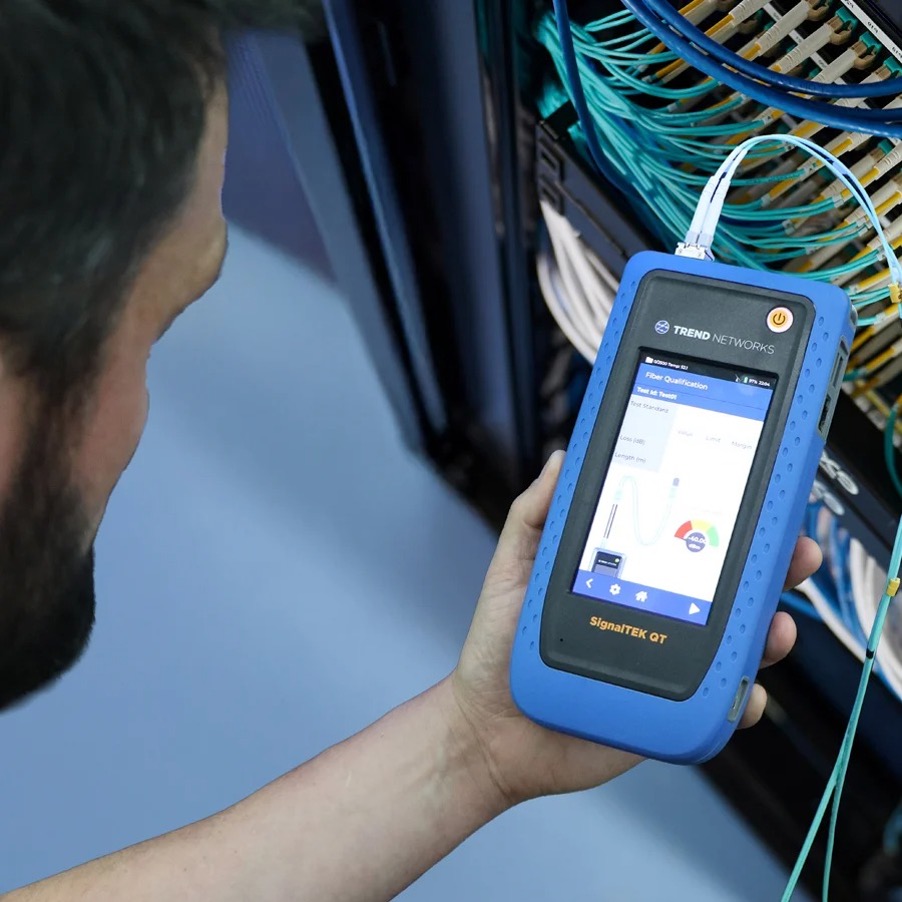
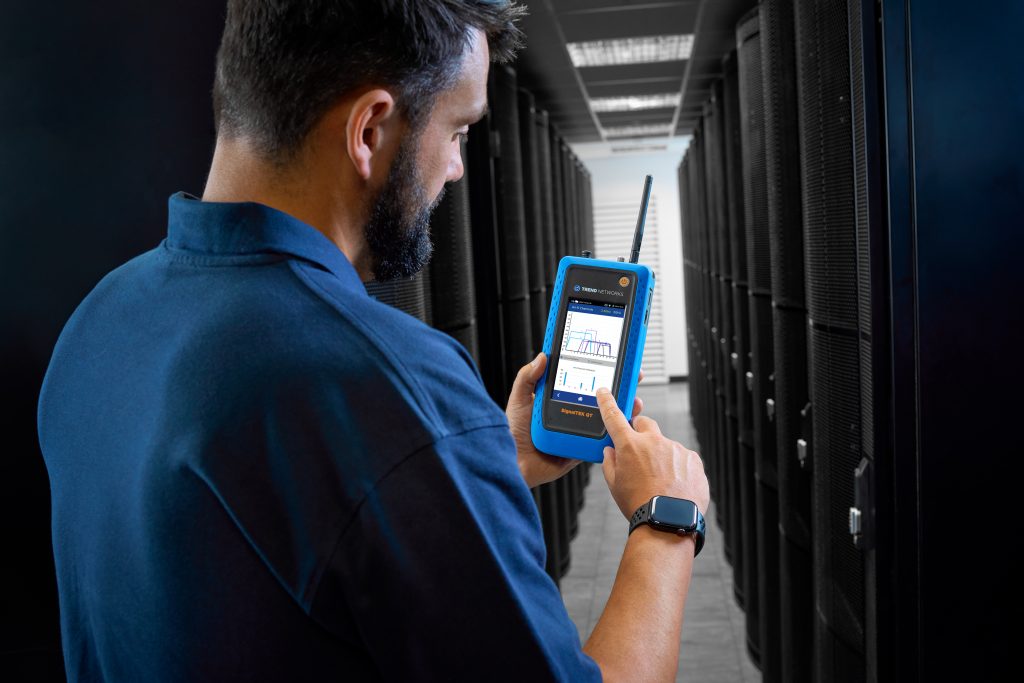
Wherever you find a link—copper, fibre or Wi-Fi—employ a dedicated network tester. The TREND Networks SignalTEK QT combines IP, PoE and Wi-Fi analysis, making it straightforward to isolate link-level issues and capture time-stamped reports for alignment with server-side logs.
Step 4: Check PoE power budgets
Modern networks increasingly rely on Power over Ethernet (PoE) to feed access points, IP cameras, displays and other devices. Yet PoE budgets are finite—exceeding them causes devices to fail or reboot intermittently.
- Pre-design your PoE deployment, calculating cumulative PD (Powered Device) requirements against switch budgets.
- Perform PoE load testing to confirm each port can deliver the necessary wattage under real-world conditions.
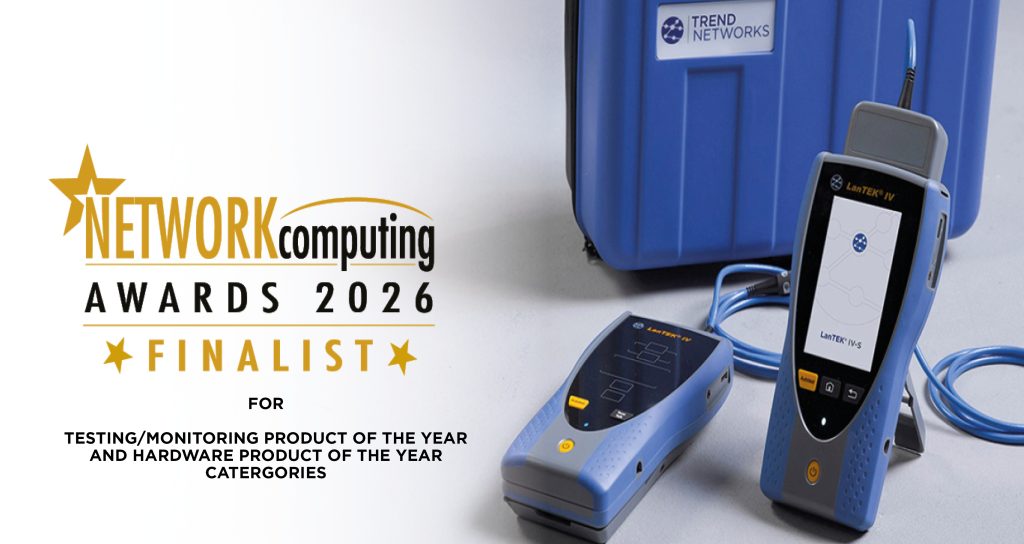
TREND Networks’ SignalTEK QT also supports PoE load testing, while the LanTEK IV-S Certifier adds DC Resistance Unbalance (DCRU) testing to ensure cabling meets international PoE delivery standards.
Step 5: Test for resilience and intermittency
Intermittent faults are the bane of network professionals – sporadic frame loss, packet errors or fluctuating throughput can all point to marginal installations or failing components.
- Re-run certification tests (Cat 6/Class E, Cat 6A/Class EA) on suspect cabling to confirm performance using LanTEK IV-S – powered by TREND AnyWARE Cloud.
- Stress-test active infrastructure under realistic loads.
The SignalTEK 10G Transmission Tester excels here: its master-remote pair generates bi-directional Ethernet loads at 1, 2.5, 5 and 10 Gbit/s, placing switches and links under genuine traffic conditions. Detailed report outputs let you benchmark performance against vendor-spec’d expectations and diagnose port-level bottlenecks.
Why TREND Networks tools make the difference
From first-response diagnostics through full certification, TREND Networks equips your maintenance teams with portable, intuitive testers that cover:
- Physical inspection and tone generation
- IP and Wi-Fi analysis
- PoE validation
- Twisted-pair certification
- Active transmission load testing
Whether you’re restoring service after an outage or proactively auditing network health, having the right tools accelerates fault isolation, reduces mean time to repair and ensures your infrastructure performs to specification.